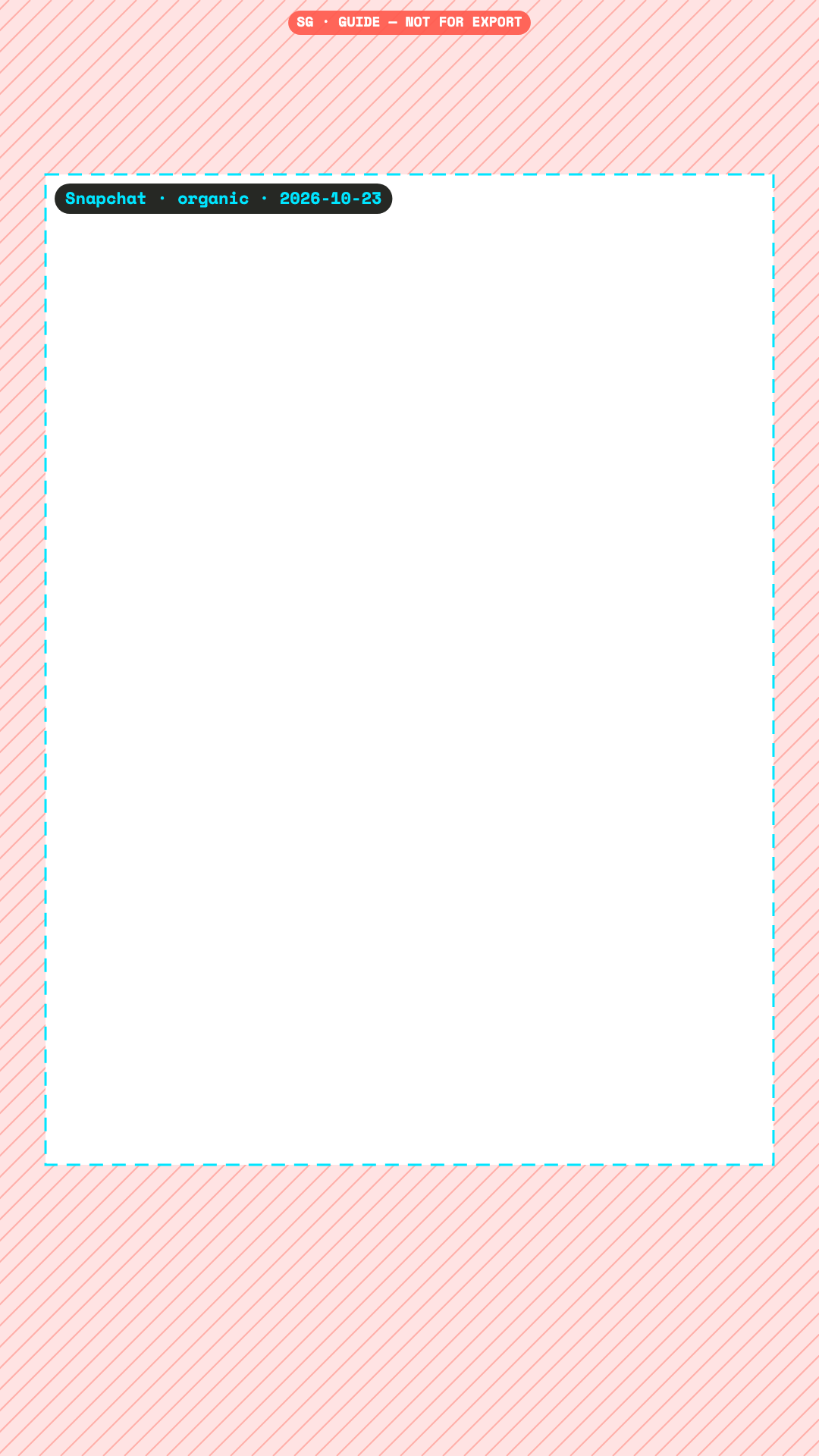
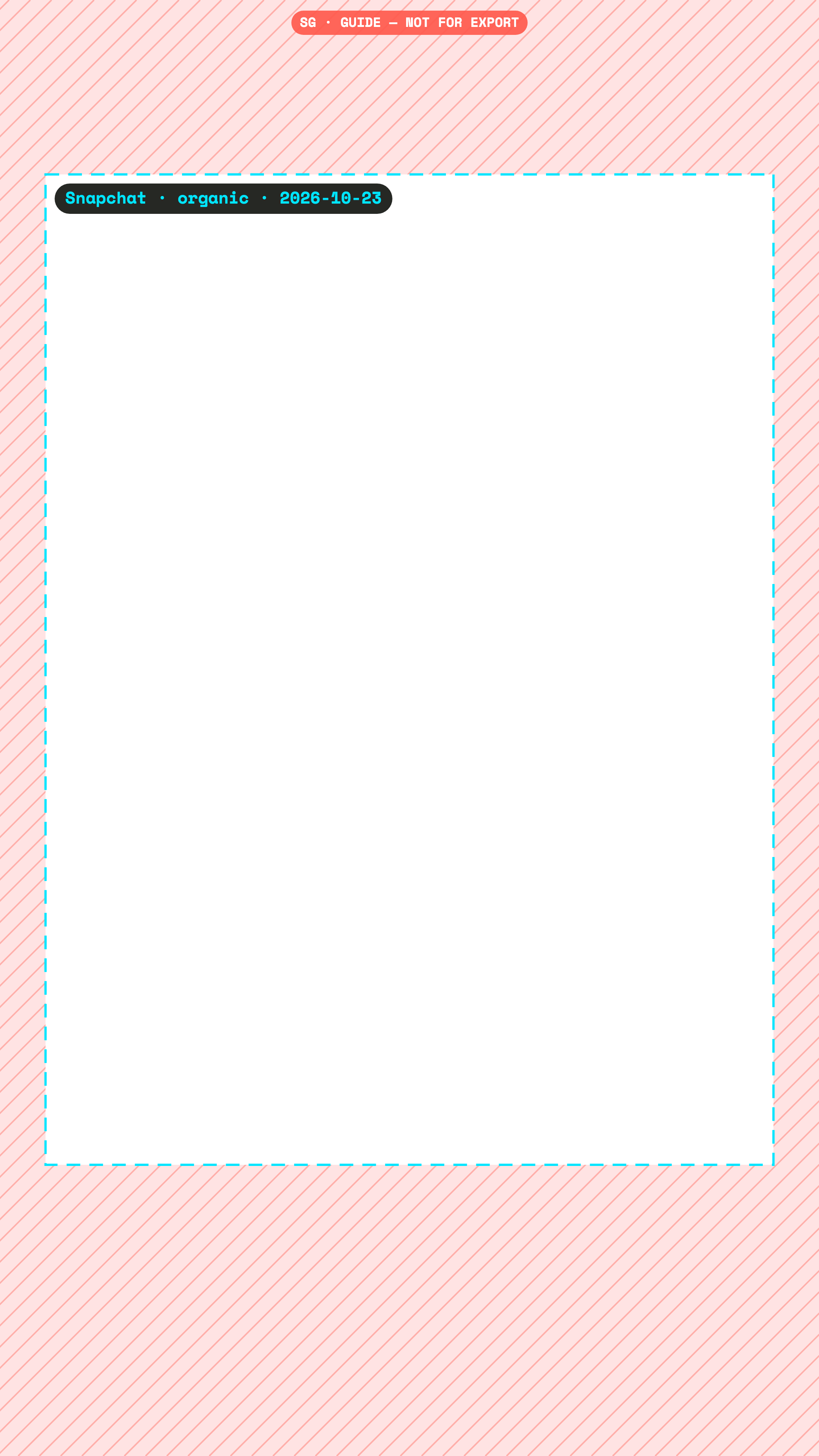
Keep text and logos at least 230 px from the top, 384 px from the bottom, 60 px from the left and 60 px from the right of a 1080×1920 Snapchat ad. Checked 23 October 2026.
Snap’s ad help pages describe a safe zone but could not be fetched for checking. We use the strictest of the values sources attribute to Snap.
px at 1080×1920
Ads
Community measurementConfidence low. Measured from screenshots by third parties. The platform publishes nothing for this placement.
Checked 23 October 2026. We re-check every quarter.
Pixels to keep clear, Ads
Canvas
Top
Bottom
Left
Right
1080×1920
230
384
60
60
2160×3840
460
768
120
120
720×1280
153
256
40
40
Snap Business Help not fetchable. Sources disagree: top 125-230 px, bottom 150-384 px (150/150, 150/300, 150/330 [AdKit attributes to Snap], 175/269 for Story ads w/ CTA, 12%/20%). Most conservative rule: top 230, bottom 384, sides 60 (AdKit buffer). Collection ads need ~450 px at the bottom (one guide). Snap's Ads Manager has a Safe Zone toggle - authoritative.
DerivedConfidence low. No direct source. Computed from a related placement or a broadcast convention, and labelled as a proxy.
Checked 23 October 2026. We re-check every quarter.
No platform publishes this. Use the proxy named in the notes below rather than a made-up number.
No source found for Spotlight (organic) safe margins; every figure found applies to Snap ads. Left null. Do not reuse the ad numbers without a label.
Where sources disagree
Sources give Snapchat ad margins from 125 to 230 px at the top and 150 to 384 px at the bottom. We use 230 px top, 384 px bottom and 60 px sides. For organic Spotlight there is no source at all, so that tab shows no number on purpose.
Free PNG overlay
Drop it on a track above your edit, in any editor. No email needed.
The PNG shows where the app draws. Super Guides shows what it draws: the Snapchat safe zone on your Premiere timeline, next to the full Reels, Stories, TikTok and Shorts interfaces. One click hides it before export.