PRESS · KIT
Press kit
Everything you need to write about Super Guides. Use it freely in articles, videos and newsletters. For anything else, write to hello@superguides.pro.
In 63 words
Super Guides is a plug-in for Adobe Premiere Pro that puts each social app’s safe zone on your timeline in one click, sized to your sequence: nine apps plus All apps, organic and ads, up to 4K. Every number is sourced and dated. One more click hides it before export. On Reels, Stories, TikTok and Shorts it can also show your client’s post.
In 176 words
Super Guides is a plug-in for Adobe Premiere Pro, built by video editors for video editors who deliver vertical video to clients. One click puts the app’s safe zone on the timeline, on its own track and sized to the sequence, so titles, logos and legal lines stay where the app won’t cover them.
It covers Instagram Reels, Instagram Stories, TikTok, YouTube Shorts, Facebook Reels, X, Snapchat, Pinterest and LinkedIn, organic and ad placements, up to 4K, plus the one area that is safe on all nine. Every number is published with its source and the date it was checked, and re-checked at least once a quarter. On Reels, Stories, TikTok and Shorts the guide also draws the app’s interface, with the client’s photo, handle and caption editable in Premiere’s Properties panel.
Editors export a frame for the client’s approval, then hide the guide in one click; tested in Premiere, the export is identical, frame for frame, to a timeline that never had a guide. Tested on Premiere 26 for macOS; Windows is not tested yet.
Facts
- What
- Plug-in for Adobe Premiere Pro (UXP)
- Price
- Launch price $19 one-time until v1.0 (12 January), then $29. Free safe-zone PNG pack for any editor.
- Platforms
- Tested on Adobe Premiere 26, macOS. Windows not tested yet.
- Apps
- Safe zones on 9 · All apps · client’s post on 4 (Reels, Stories, TikTok, Shorts)
- Sold on
- Gumroad · 14-day refund
- Website
- superguides.pro · sources: superguides.pro/safe-zones
- Contact
- hello@superguides.pro
Logo
Keep the icon’s green and its four corners as they are; don’t recolour, stretch or outline it. On busy images, use the icon alone.
 Logo for dark backgrounds
 Logo for light backgrounds
 App icon
 App icon
Screenshots
Real captures from Adobe Premiere 26. Adobe product screenshots reprinted with permission from Adobe.
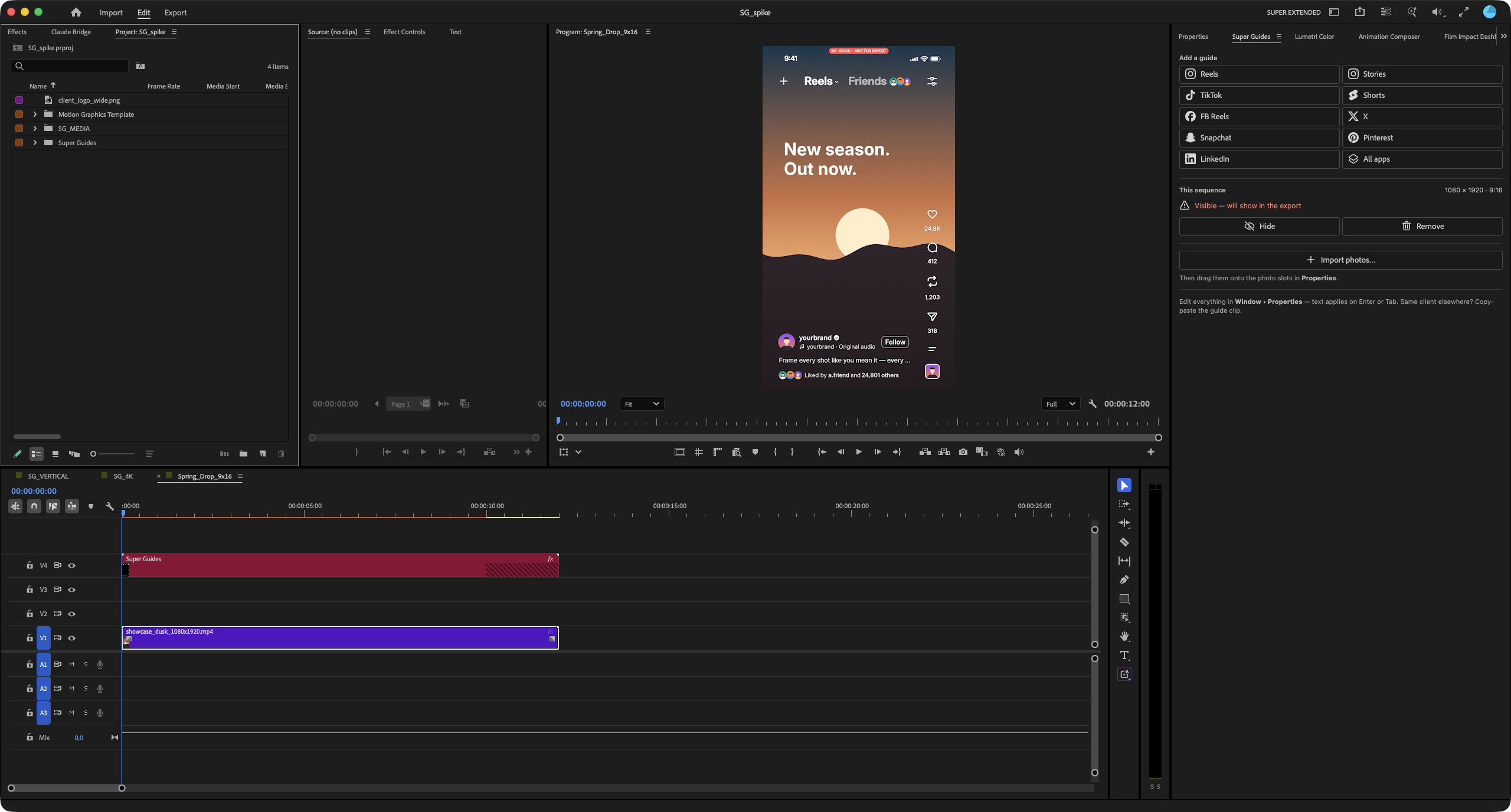 Adobe Premiere with the Instagram Reels guide on a vertical edit and the Super Guides panel
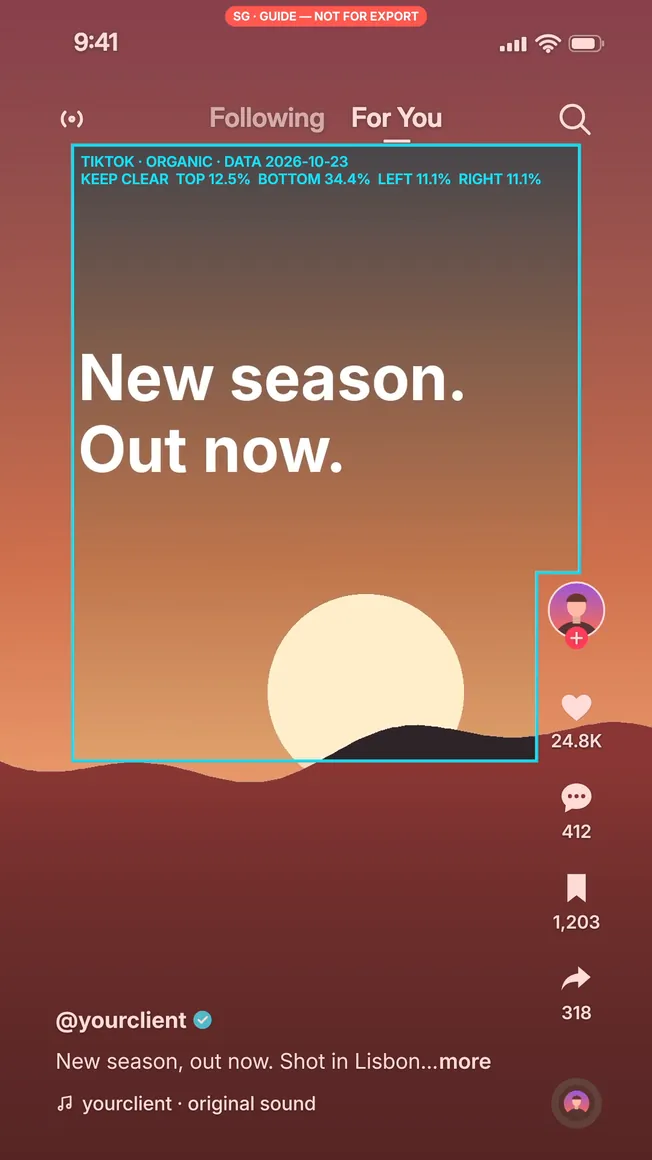 The TikTok guide in the Program monitor
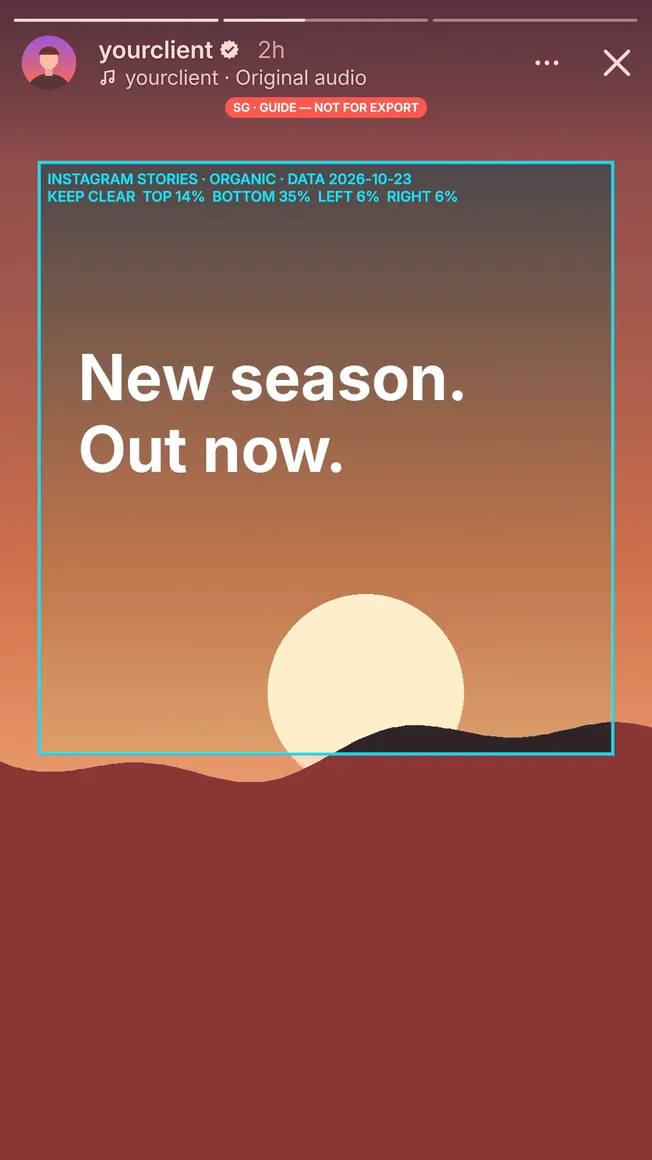 The Instagram Stories guide in the Program monitor
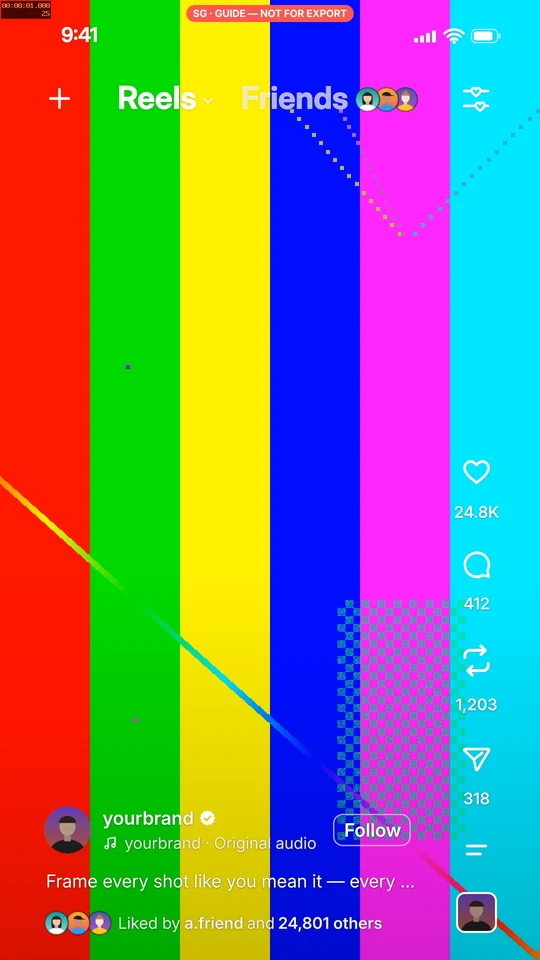 A frame exported for the client, with the guide on
Share card and demo
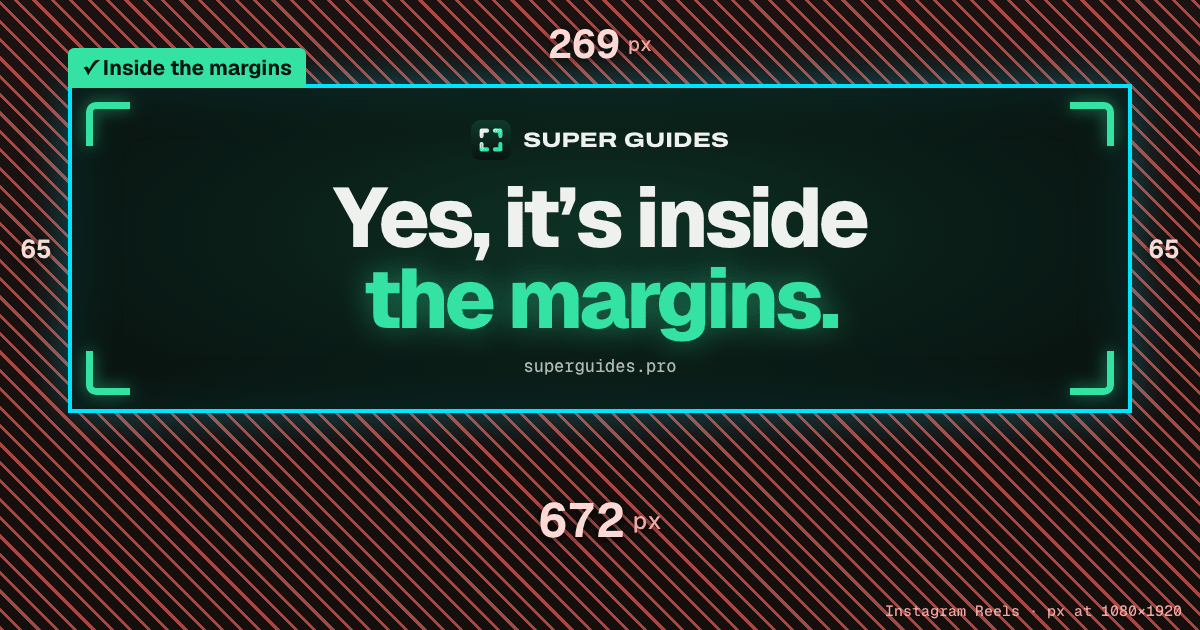 Share card
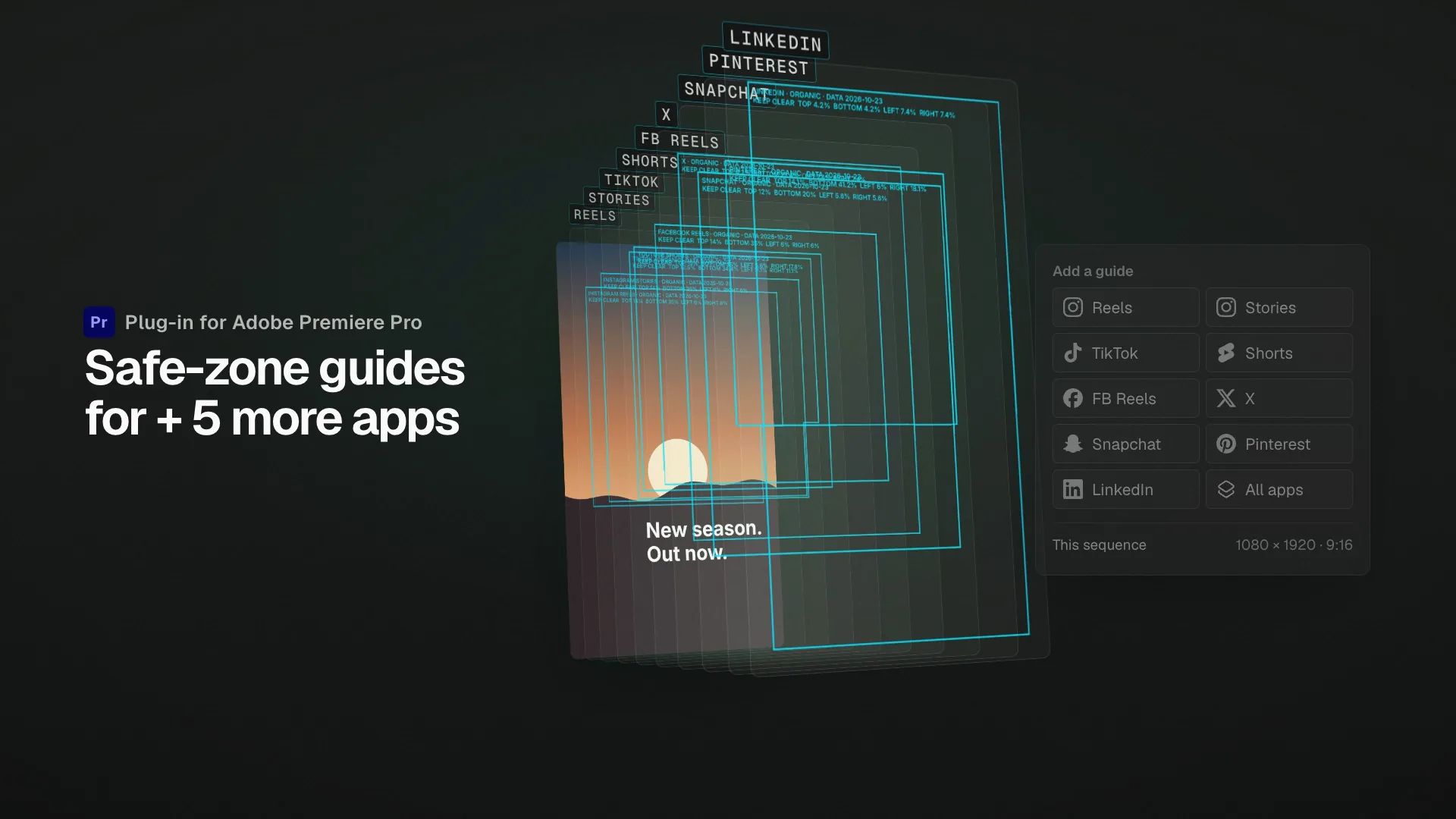 Demo film 16:9, 20 s
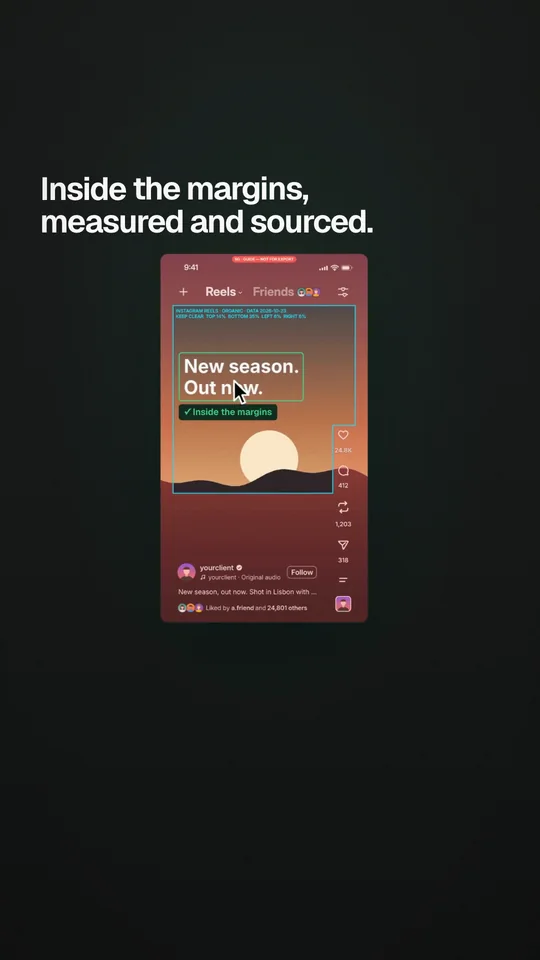 Vertical 9:16 (Reels, TikTok, Shorts)
Please note
Super Guides is an independent product, not made by Adobe, Meta, TikTok, Google, Snap, Pinterest, LinkedIn or X, and not affiliated with or endorsed by any of them. Platform names only describe compatibility. Write the name as «Super Guides», two words.